

Your Arsenal: Hardware Fixes for Instantaneous Response
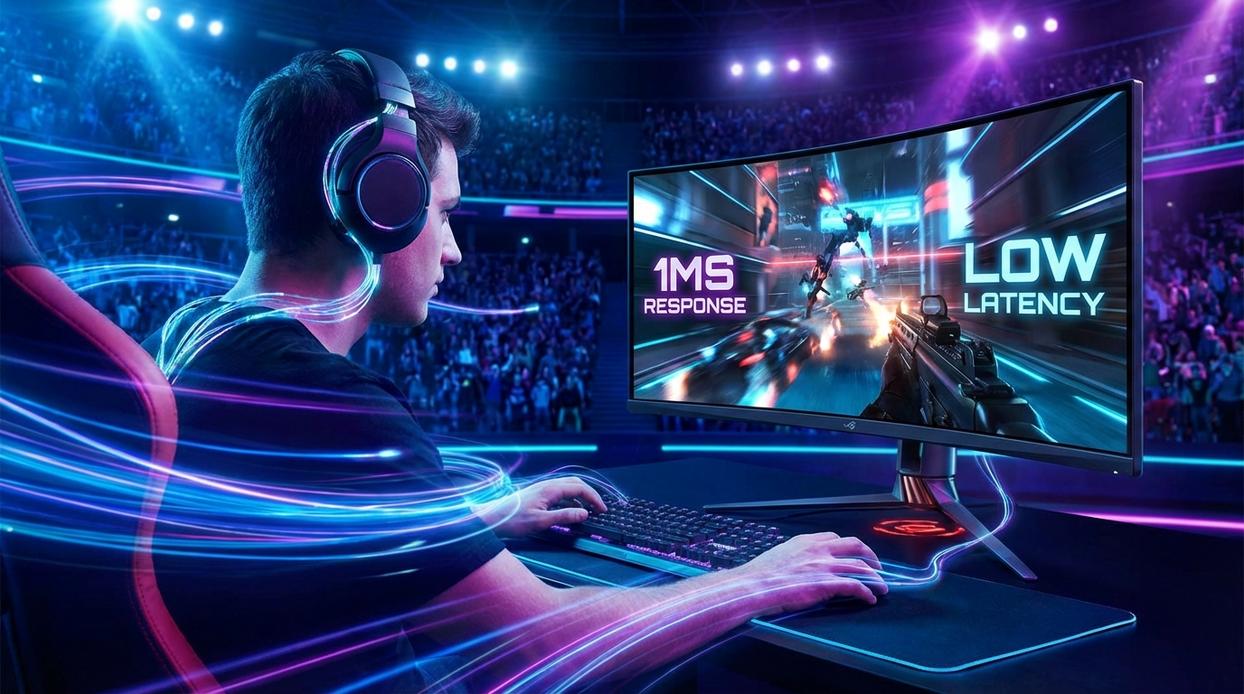
If your game feels sluggish, your hardware might be the bottleneck. The good news? A few smart upgrades can dramatically reduce input delay.
The Monitor Is King
First things first: your monitor. A 144Hz (or higher) display with 1ms response time is often the single biggest upgrade for responsiveness. Refresh rate means how many times your screen updates per second. At 144Hz, that’s 144 visual updates every second—more chances to see enemies sooner.
Meanwhile, response time measures how quickly pixels change color. Lower is better; 1ms minimizes ghosting and blur.
Technologies like G-Sync (NVIDIA) and FreeSync (AMD) sync your monitor’s refresh rate to your GPU’s output, preventing screen tearing and stutter (that ugly horizontal split mid-fight). According to NVIDIA, adaptive sync reduces perceived latency and visual artifacts by aligning frame delivery with display timing.
Peripherals That Perform
Next, your mouse and keyboard matter more than you think.
- 1000Hz polling rate mouse (reports input 1000 times per second)
- Wired mechanical keyboard for consistent actuation
- Avoid Bluetooth when possible
Why wired? Because wireless—especially Bluetooth—introduces extra transmission steps. Even low-latency wireless can’t always match a direct cable connection. If your goal is to reduce input lag gaming setups should prioritize stability over convenience.
System Internals
Of course, none of this works without strong internals. A powerful CPU and GPU ensure high, stable FPS (frames per second). Higher FPS means newer frames reach your display faster, shrinking the gap between your action and what you see.
Pro tip: Stability matters more than peak FPS. A locked 165 FPS beats spikes between 240 and 90.
Controller Considerations
Console and controller players aren’t left out. Use a wired connection instead of Bluetooth whenever possible. On PC, some players even overclock controller polling rates to reduce latency further (advanced, but effective).
In competitive play, milliseconds stack up. Trim them wherever you can.
To achieve peak performance in competitive gaming, minimizing input lag is crucial, especially as players weigh the pros and cons of traditional setups versus emerging technologies like cloud gaming, which we explore in our article “Cloud Gaming Explained: Is It the Future of Play?

 Ask Tiffany Lemonancy how they got into multiplayer arena strategies and you'll probably get a longer answer than you expected. The short version: Tiffany started doing it, got genuinely hooked, and at some point realized they had accumulated enough hard-won knowledge that it would be a waste not to share it. So they started writing.
What makes Tiffany worth reading is that they skips the obvious stuff. Nobody needs another surface-level take on Multiplayer Arena Strategies, Hot Topics in Gaming, Pro Insights. What readers actually want is the nuance — the part that only becomes clear after you've made a few mistakes and figured out why. That's the territory Tiffany operates in. The writing is direct, occasionally blunt, and always built around what's actually true rather than what sounds good in an article. They has little patience for filler, which means they's pieces tend to be denser with real information than the average post on the same subject.
Tiffany doesn't write to impress anyone. They writes because they has things to say that they genuinely thinks people should hear. That motivation — basic as it sounds — produces something noticeably different from content written for clicks or word count. Readers pick up on it. The comments on Tiffany's work tend to reflect that.
Ask Tiffany Lemonancy how they got into multiplayer arena strategies and you'll probably get a longer answer than you expected. The short version: Tiffany started doing it, got genuinely hooked, and at some point realized they had accumulated enough hard-won knowledge that it would be a waste not to share it. So they started writing.
What makes Tiffany worth reading is that they skips the obvious stuff. Nobody needs another surface-level take on Multiplayer Arena Strategies, Hot Topics in Gaming, Pro Insights. What readers actually want is the nuance — the part that only becomes clear after you've made a few mistakes and figured out why. That's the territory Tiffany operates in. The writing is direct, occasionally blunt, and always built around what's actually true rather than what sounds good in an article. They has little patience for filler, which means they's pieces tend to be denser with real information than the average post on the same subject.
Tiffany doesn't write to impress anyone. They writes because they has things to say that they genuinely thinks people should hear. That motivation — basic as it sounds — produces something noticeably different from content written for clicks or word count. Readers pick up on it. The comments on Tiffany's work tend to reflect that.